Marketing Tools
Marketing Tools: Template
The template is called "4Site Main Template" and can be found in the "4Site Templates" folder in the Templates section of Marketing Tools.
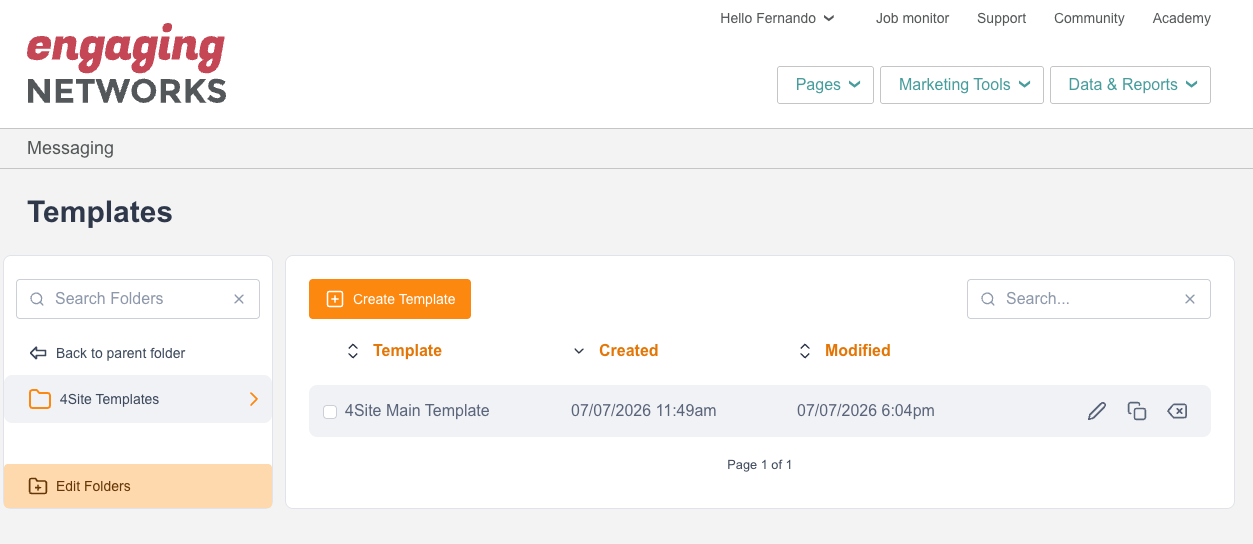
The template contains wrapping code and global styling for the email structure and blocks. It does not contain any content. This allows you to use the same template for any email without needing to maintain multiple templates.
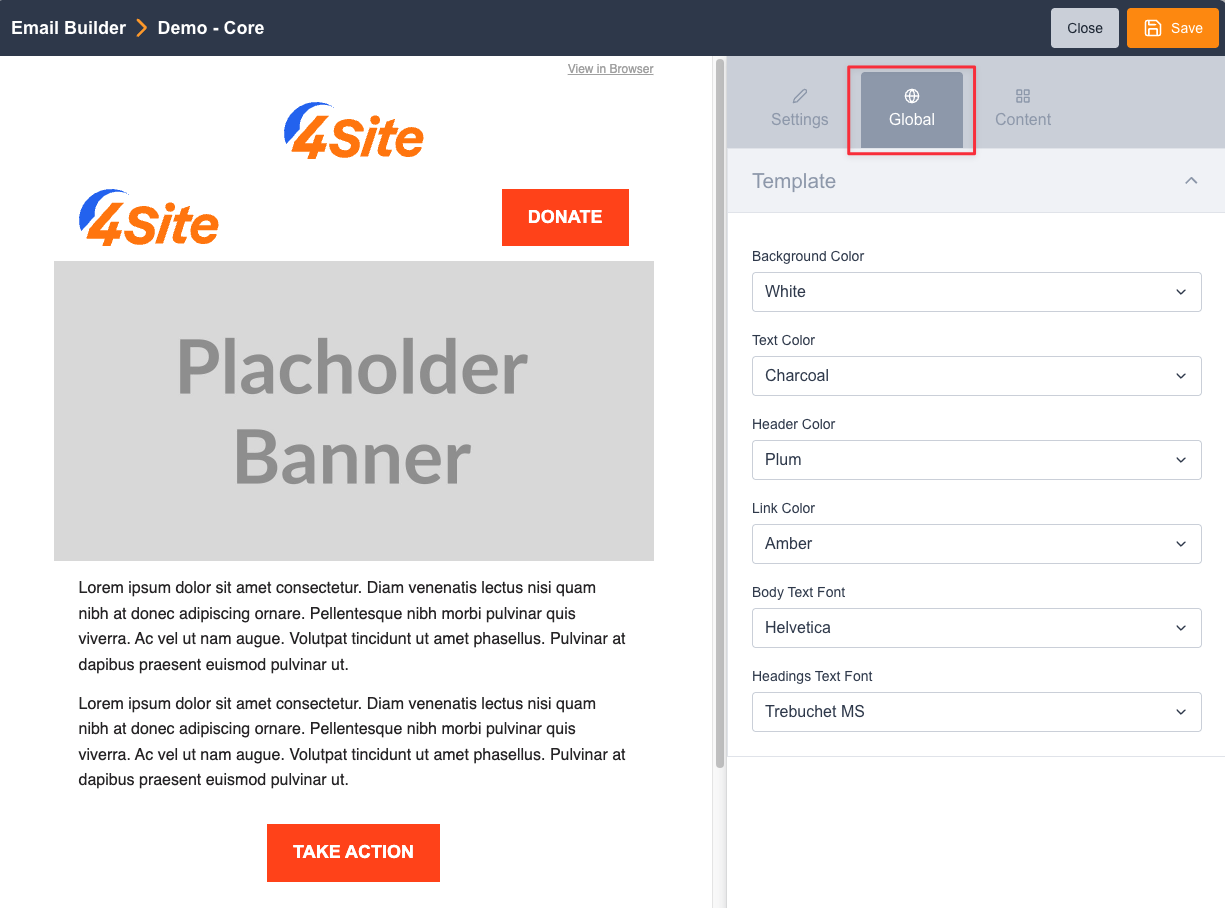
There are a few global configuration options available in the template. These allow you to set a global style for the email but can be overwritten in individual blocks using the Rich Text Editor. You can access them in the "Global" tab while building an email.
The options are:
- Background color
- Text color
- Headings color
- Links color
- Body font
- Headings font
Warning
Changes to a template are not applied to Emails that are already built using that template. If you need to make a change to a template (including altering its Variable Replacements), then you will need to rebuild any email using it from scratch. This includes the Reference Emails.
Custom Code
Templates have 2 options for adding custom code:
- Template Custom CSS
- Template Custom Head HTML
In the CSS options, you can write any custom CSS to apply to your email to overwrite default styles.
The Custom Head HTML Option will add HTML to the head of the document - this is useful for things such as analytics tags or other meta tags.